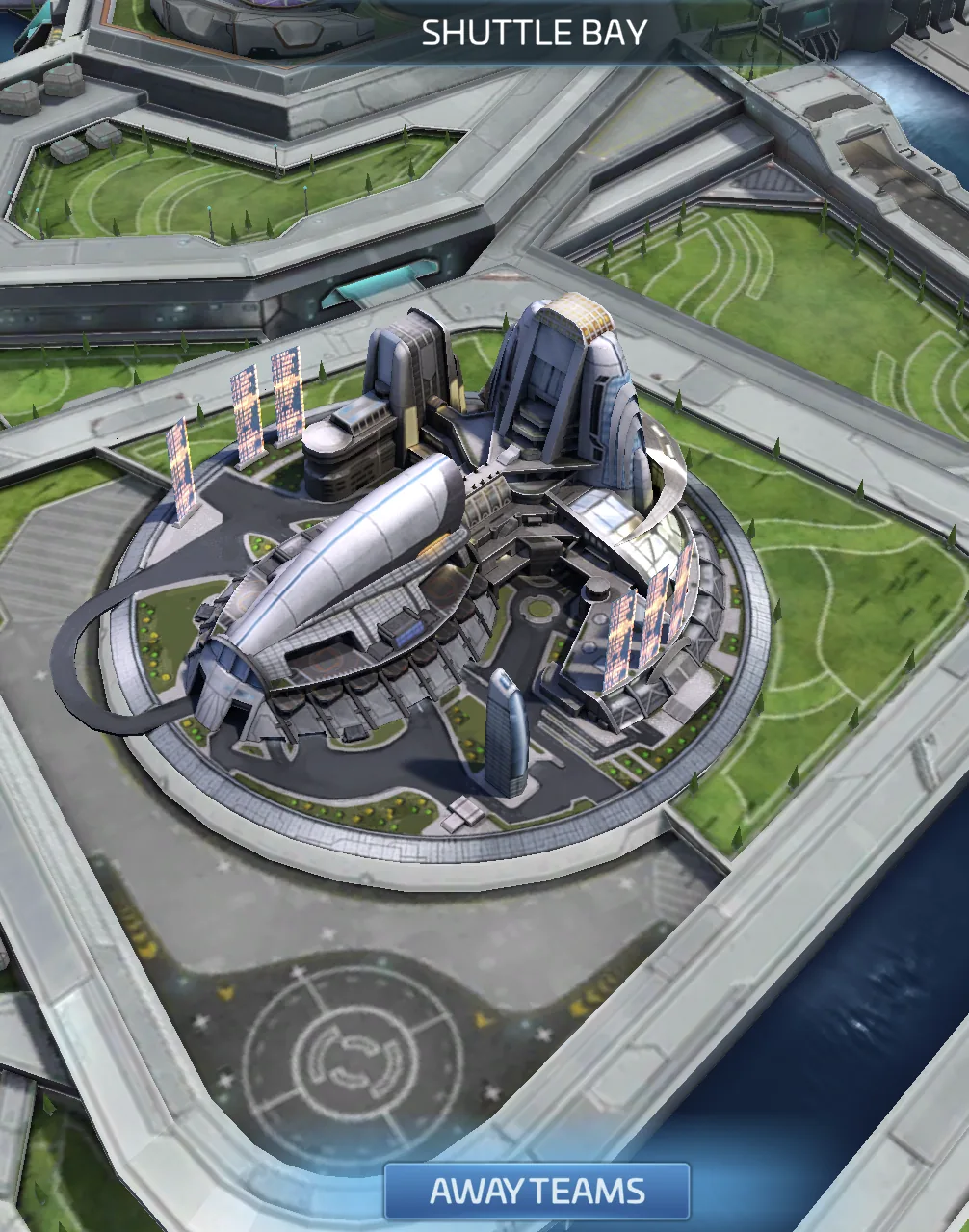
Away Teams: sending spare officers on assignments instead of benching them
- Away Teams open at Ops 8 after you research and build the Shuttle Bay.
- Start the free Common and Uncommon assignments first.
- An officer on an assignment is unavailable for everything else until it ends.
You are Ops 8 or higher and have officers that are not crewing a ship. Away Teams send them on assignments that pay rewards.
Reach Ops 8. Unlock the Shuttle Bay node in the Station Research Tree. Then build the Shuttle Bay in the top-right section of your station interior. You need all three.
Assignments come in four rarities: Common, Uncommon, Rare and Epic. Higher rarity gives better rewards. Common and Uncommon assignments are free to start. Rare and Epic assignments cost something.
Each assignment needs 1 to 3 officers. Chance of Success is your probability of completing it. Critical Bonus is your chance of enhanced rewards. If your success rate goes over 100%, a multiplier applies to the rewards. Assignments last from a few hours to several days. Assignment Speedups shorten them. An officer on an assignment is unavailable for everything else until it ends, so do not send your only healer or best PvP crew on a long job.
The board refreshes every 12 hours. An Assignment Refresh Token refreshes it early. A token does not replace assignments already in progress.

Away Teams has its own research tree with 48 nodes. Unlock nodes with Service Awards and Merits of Honor, which assignments give you. It improves rewards, speed and success rate. It sits in its own tab, so it is easy to miss.

Traits improve success and critical chances. Common officers have 0 traits, Uncommon 1, Rare 2 and Epic 3. Trait XP, earned from assignments, levels them up. Max out one trait before the next unlocks. Tier 1 traits max at level 3, Tier 2 at level 4, Tier 3 at level 9. Each officer card shows 1-4 dots. A highlighted dot means a trait matches the assignment's Critical Traits. If two officers share a trait, only the highest-ranked copy counts for Critical Hit Chance. The auto-assign button picks the best available officers for you.