Ship basics: building, docking, and moving your fleet
- Interceptors, Explorers and Battleships form a combat triangle. Survey ships are for mining, not fighting.
- You need enough blueprints to build a ship. Some ships also need research or a Shipyard level. Each drydock holds one ship.
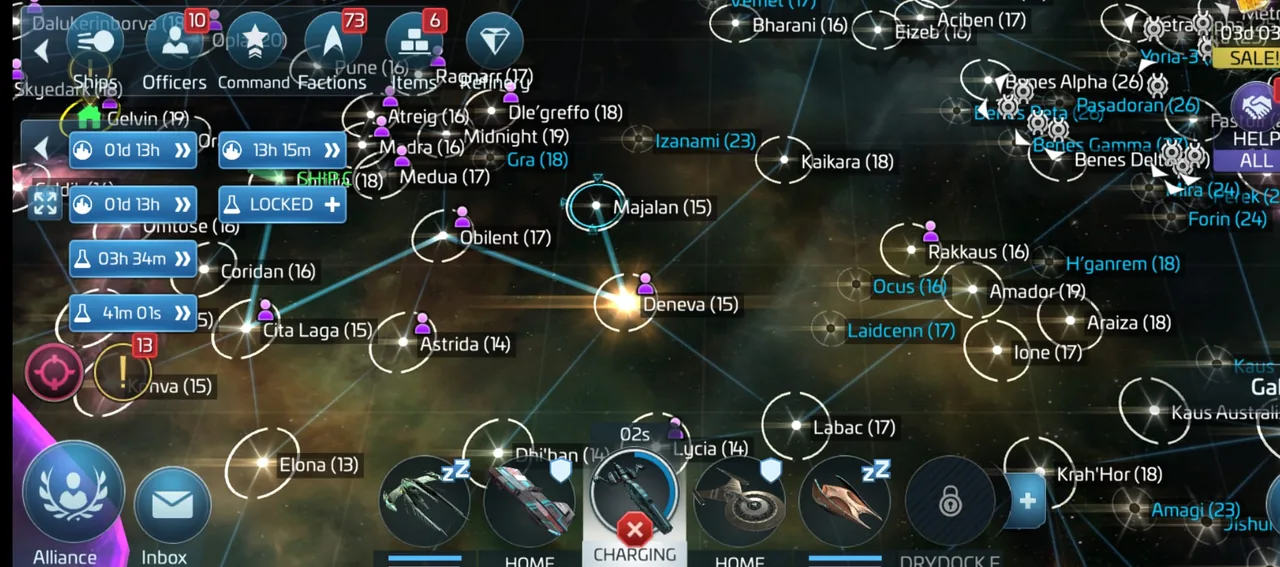
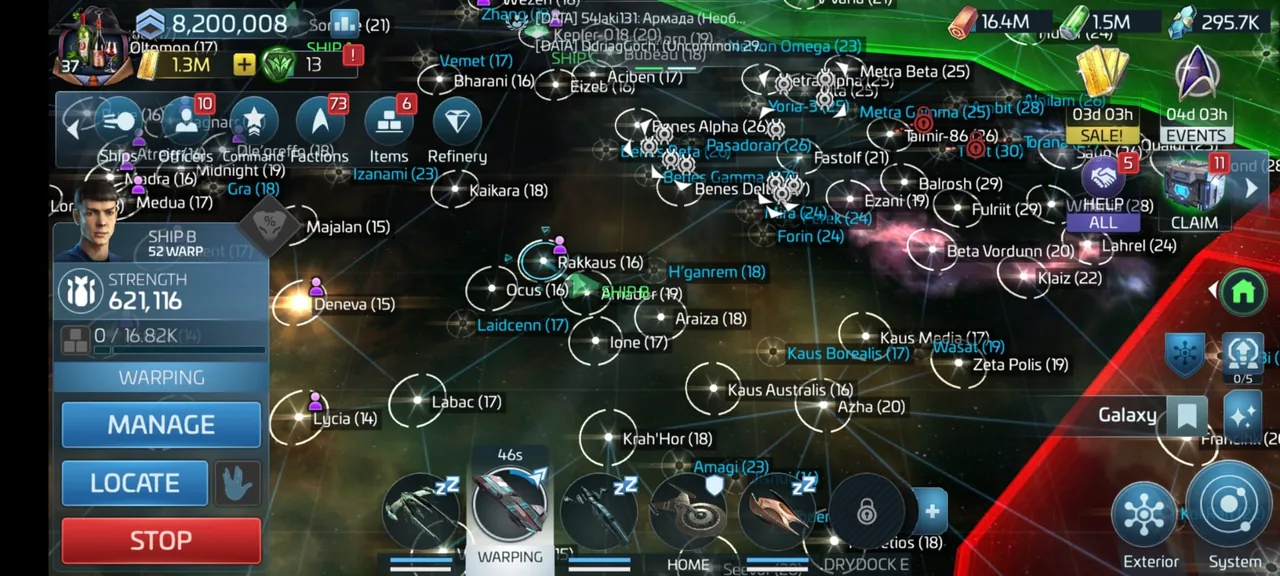
- Tap X during the 5-second warp charge-up to abort. Use Emergency Stop mid-flight to drop out at the next system.
Interceptors, Explorers and Battleships form a combat triangle. Choosing the right type gives you a slight advantage in battle. Survey ships are made for mining and carrying resources. They can fight, but not well.
You can build a ship only after you collect enough blueprints for it. Some ships also need research or a minimum Shipyard level. Tap the Ships button at the top left of the map view to open the construction page. Tap BUILD or INSTANT. If your Ship Hangar, above the Shipyard, is full, upgrade it. From Operations level 20, the Scrapyard frees up Hangar space. Some ships cannot be scrapped.
You need a drydock to use a ship. Each drydock holds one ship. To swap, recall the current ship home, then tap SWAP SHIP on the drydock's management page. Ship XP levels up the ship. You can also upgrade its components. Upgrade all components to unlock tier up. A tier up takes time, and the ship stays in the drydock until it ends.
A ship needs a Captain before it can leave. Any officer can be a Captain. In System view, tap a point and tap GO. Tap a target, such as a mine or ship, then an action like MINE or ATTACK. In Galaxy view, tap a System and tap SET COURSE. A ship in warp cannot be attacked by other players. You cannot redirect it either. Tapped GO or RECALL by mistake? Tap the X on your ship during the 5-second charge-up to abort. Mid-flight, open the Ship Action Panel and tap Emergency Stop. The ship drops out at the next system on its route. To find a ship, tap its icon and tap LOCATE.