Ship Refits: skins and projectiles that also boost your stats
- Refits unlock at Level 15. Ship Skins and Projectiles change a ship's look and also give permanent stat bonuses.
- A Ship Skin bonus applies to one ship. It stays active even if you remove the skin.
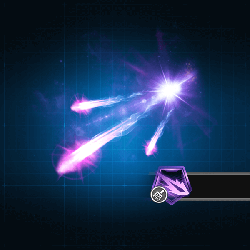
- Projectile buffs apply to all your ships once unlocked, even if the projectile is not equipped. Several can stack.
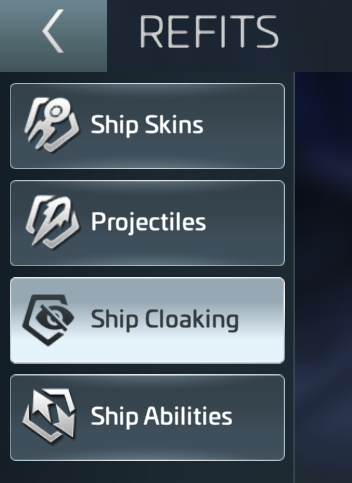
- Open Refits from the Ship Hangar, or select a ship, tap Manage, then Refits.
Refits unlock at Level 15. They let you change a ship's look and also give permanent stat gains. Ship Skins are made for specific ships and give permanent bonuses to that ship. The bonus stays active even if you remove the skin. It cannot be disabled. Projectiles change the animation of your ship's weapon fire. Some also give permanent buffs. Once unlocked, those buffs apply to all your ships automatically, even if the projectile is not equipped. Several projectile buffs can stack. Refits come in Common, Uncommon, Rare and Epic rarities. Not every ship has a Skin.
You can see Refits in the Object Viewer, Scan Screen, Drydocks, System View, and Combat and Battle Reports. To manage what you own or preview what is still locked, open the Ship Hangar and tap Refits. Or select a ship, tap Manage, then choose Refits.

Ship Skins unlock with skin-specific Shards. Skin and Projectile Shards come from event rewards, special chests and in-game offers. Watch for limited-time events with exclusive Refits. The Refits menu also holds two related systems. Ship Cloaking makes a ship invisible and untargetable (see our Cloaking guide). Ship Abilities are passive or active buffs for specific ships, similar to Officer and Research bonuses.